
 Add to Chrome
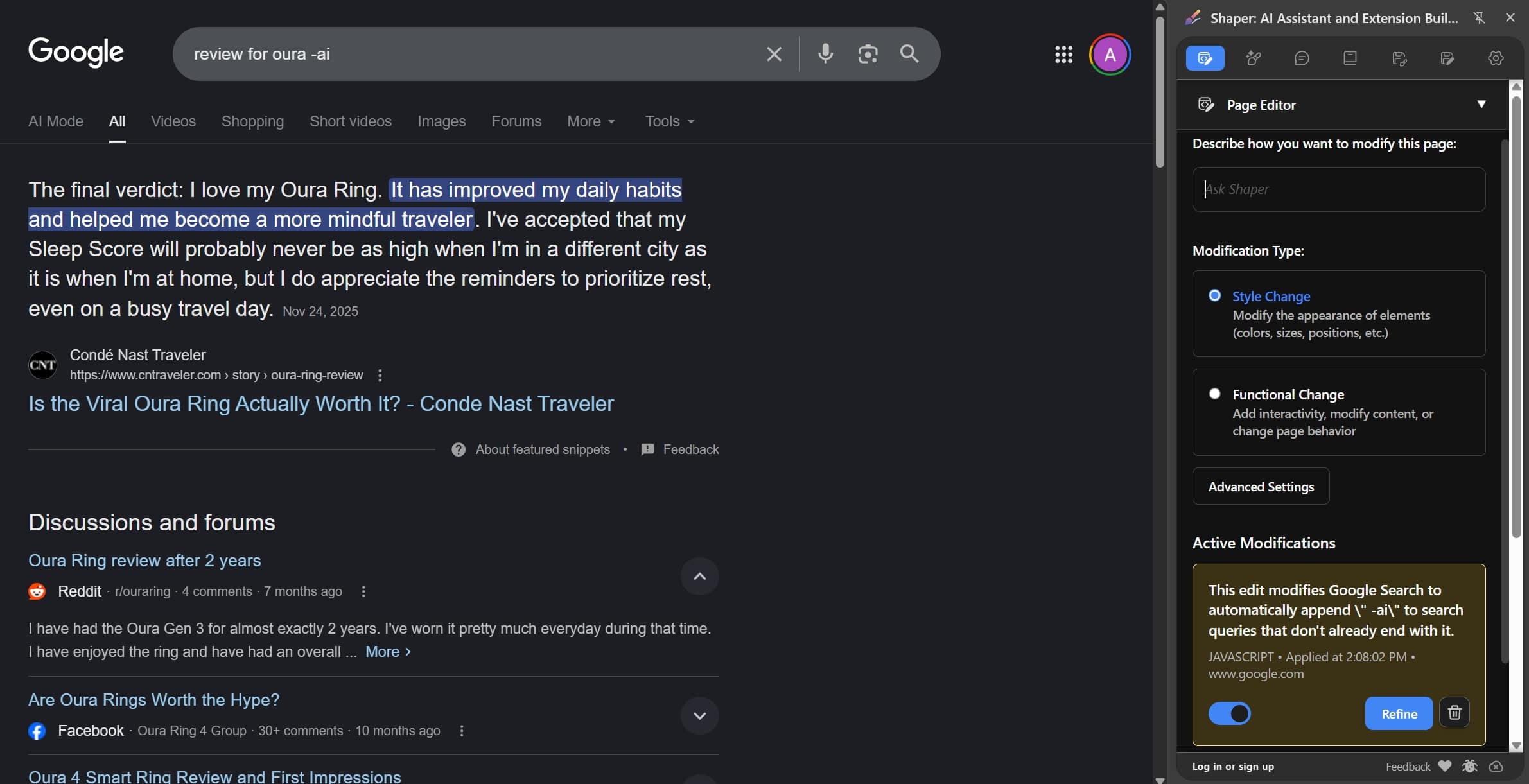
Hide AI Overview in Google Searches
Automatically appends '-ai' to your Google searches to hide the AI Overview section in Google search results.
Productivity
What This Does
This doodle automatically modifies your Google searches by appending " -ai" to every query, helping you filter out AI-generated content from search results. It works seamlessly on both the Google homepage and search results pages, intercepting form submissions and Enter key presses.
How to Use
- Click the "Add to Shaper" button to add this doodle to Shaper
- Visit google.com - the script will automatically activate
- Type any search query and press Enter or click the search button
- Your query will automatically have " -ai" appended to filter out AI content
- Enjoy cleaner, more accurate search results!
Use Cases
- Accurate Information: Filter out AI-generated content that may contain inaccuracies or hallucinations
- Trustworthy Reviews: Find genuine user experiences instead of AI-generated product reviews